Guide / Step 11 of 11 · 5 min
Your first sale
When a buyer adds a product to the cart and pays, the order arrives in your console and you get notified.
The buyer's side
- The buyer picks a product and adds it to the cart.
- They enter their phone number and address and confirm the order.
- They pay by QPay, card or a bank app.
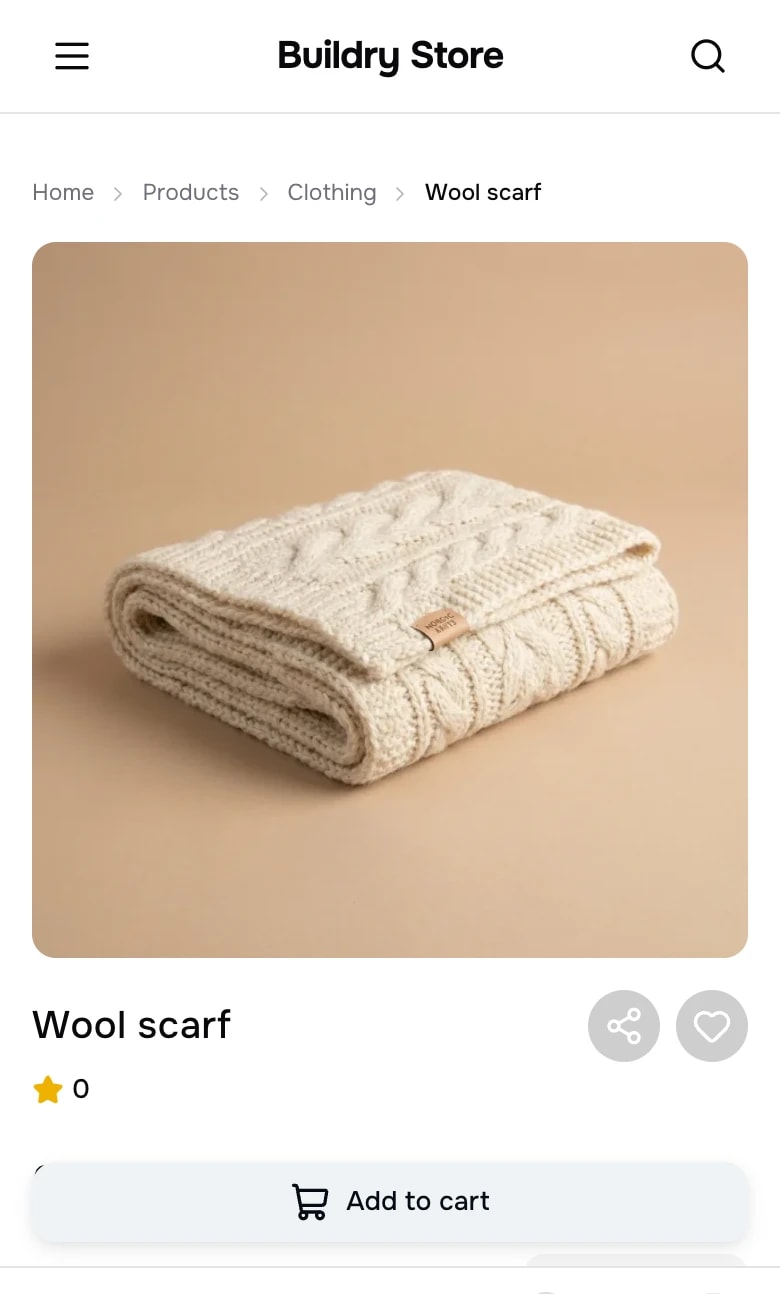 Add to cart from the product page.
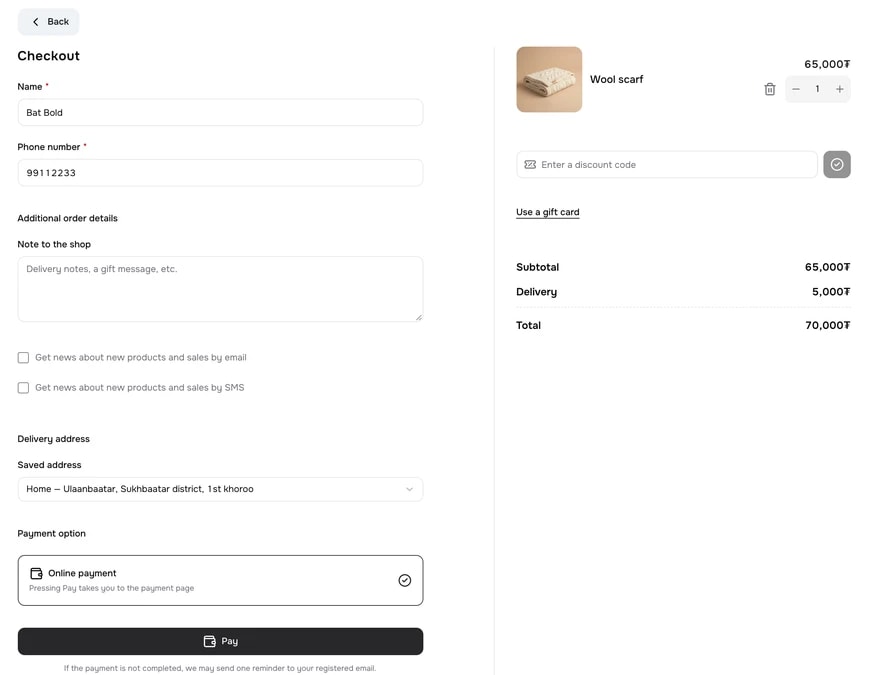 Name, phone, delivery address and payment choice.
Receiving the order
- A paid order appears in Orders with the status Paid. With the iOS app installed, you also get a notification on your phone.
- When you send the item, mark it Shipped and enter the courier and tracking number. The buyer receives one email.
- Once it is delivered, mark it Delivered.
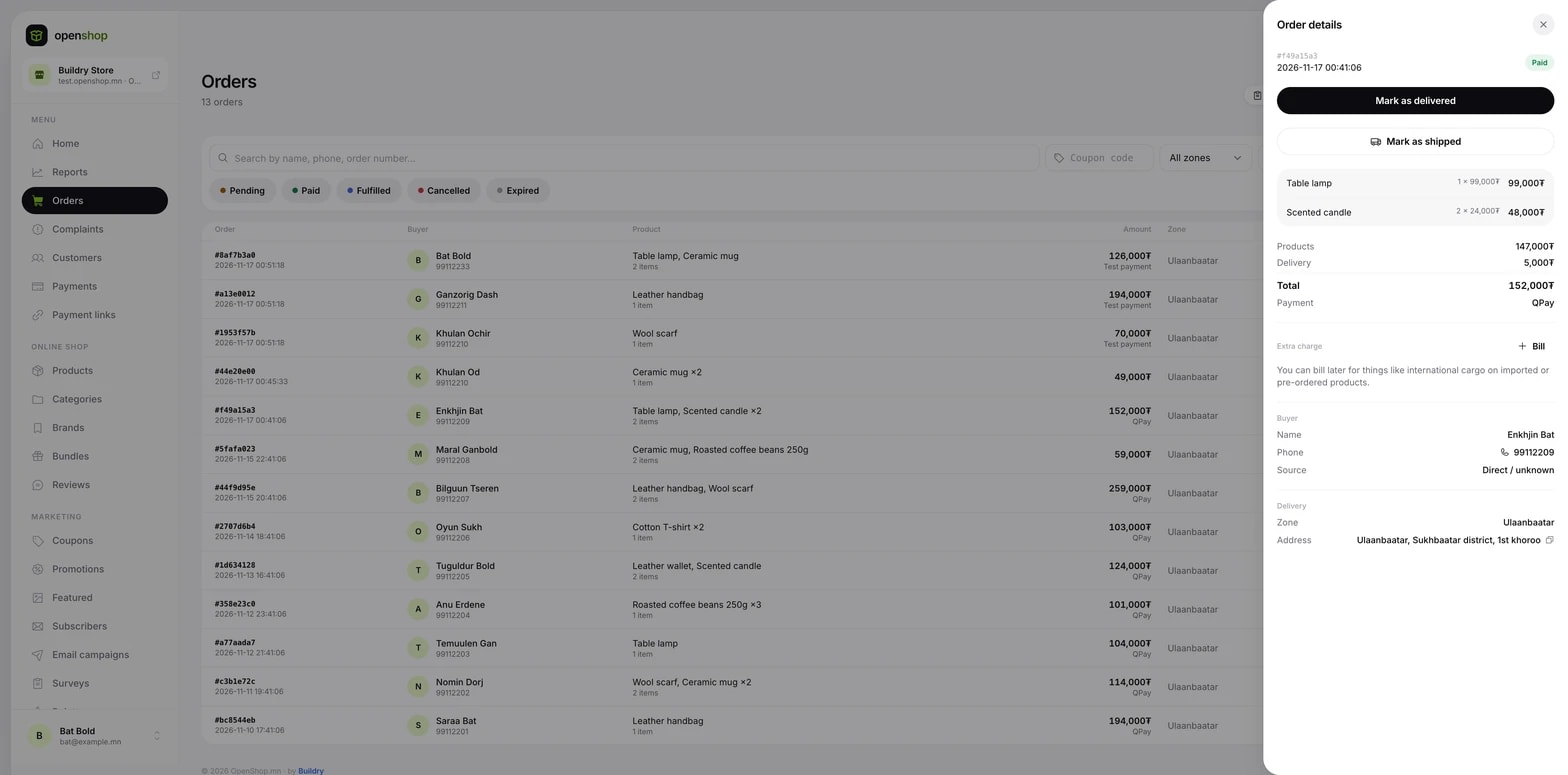 The order's products, payment and delivery details.