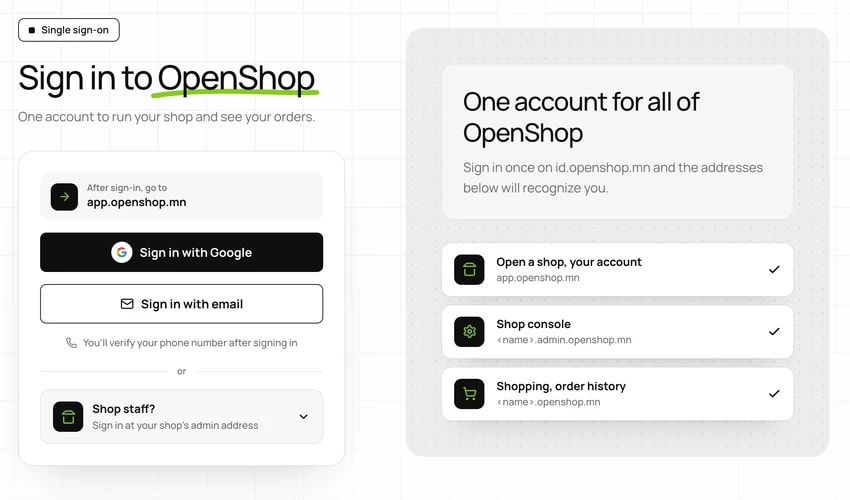
Go to app.openshop.mn
- Open app.openshop.mn in your browser.
- The sign-in page appears on id.openshop.mn. Sign in with Google, or enter your email address and the 8-digit code sent to it.
- If this is your first sign-in, your account is created now. There is no password to remember.