Contract and payment registration
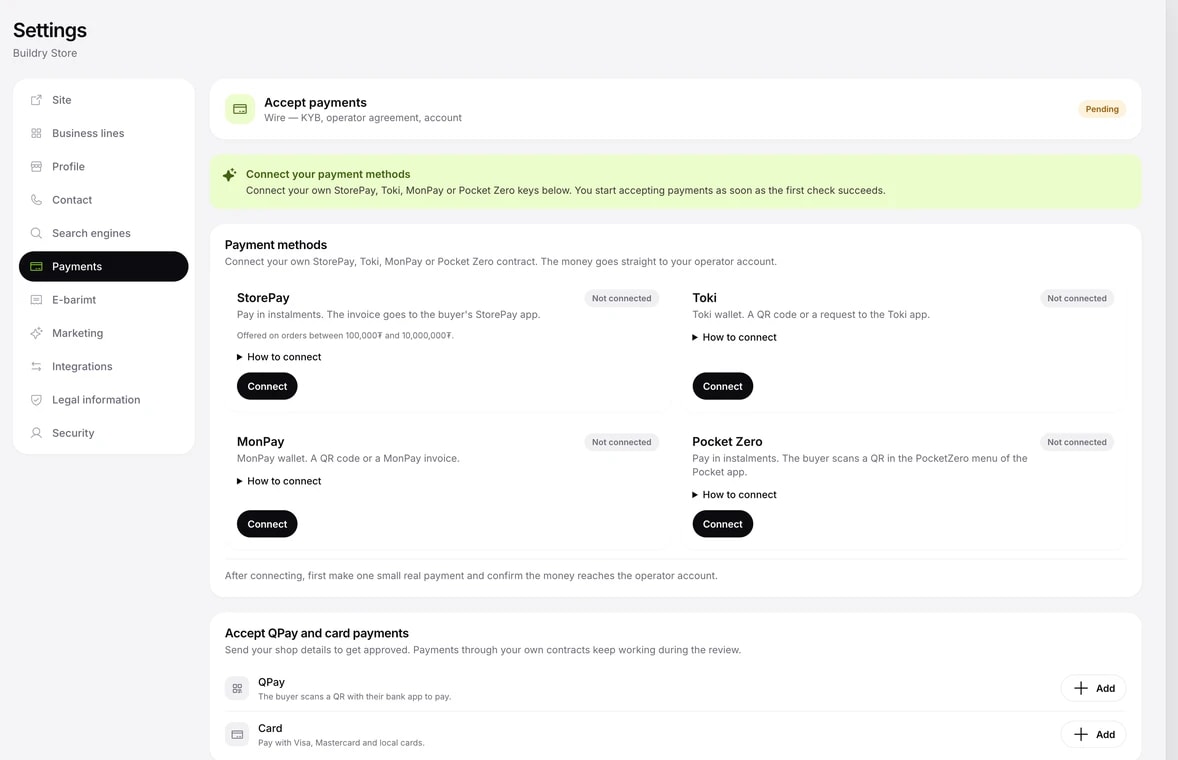
The Payments section in the menu has two paths. You can use either one, or both.
- With your own contract: if you have a contract with StorePay, Toki, MonPay or Pocket Zero, enter your keys with the Connect button. You can take payments as soon as the first check succeeds.
- QPay and card: use the Add button to submit your shop details for approval. Once approved, sign the operator contract and connect the account that receives your income.